

Install eMondrian as Docker Container on Ubuntu
Modified 12 December 2021
This instruction describes how to install eMondrian as a docker container on Ubuntu.
If you do not have a docker engine on your machine, you need to do it first.
Install Docker Engine on Ubuntu
You can look for more details here.
sudo apt-get update

sudo apt-get install \
ca-certificates \
curl \
gnupg \
lsb-release
Add Docker’s official GPG key:
curl -fsSL https://download.docker.com/linux/ubuntu/gpg | sudo gpg --dearmor -o /usr/share/keyrings/docker-archive-keyring.gpg
Use the following command to set up the stable repository.
echo \
"deb [arch=$(dpkg --print-architecture) signed-by=/usr/share/keyrings/docker-archive-keyring.gpg] https://download.docker.com/linux/ubuntu \
$(lsb_release -cs) stable" | sudo tee /etc/apt/sources.list.d/docker.list > /dev/null
Install docker engine:
sudo apt-get install docker-ce docker-ce-cli containerd.io
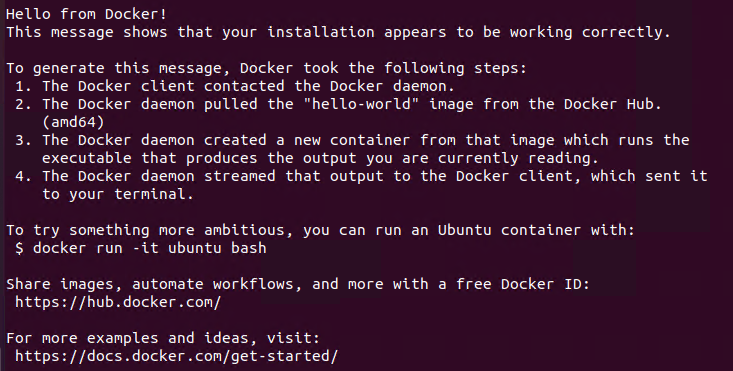
Check your docker engine installation. Run the following command:
sudo docker run hello-world
If you see this image then your installation is successful.
Install eMondrian
Pull the eMondrian image from Docker Hub.
sudo docker pull emondrian/emondrian
To start the eMondrian execute next command:
sudo docker run -p 8080:8080 emondrian/emondrian
To start a container in detached mode, use -d option.
sudo docker run -d -p 8080:8080 emondrian/emondrian
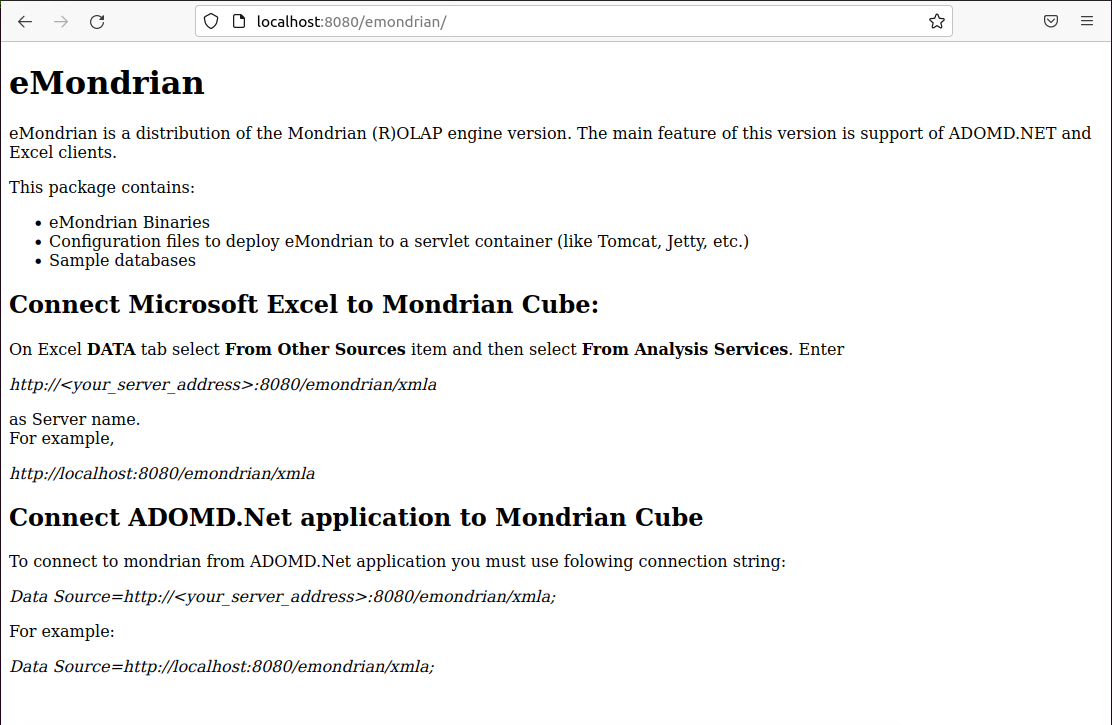
You can check that eMondrian is installed successfully with this address http://localhost:8080/emondrian.
You have to see:
See how to connect to eMondrian from Excel here.