
How To Open 8080 Port In Windows 10
Modified 12 December 2021
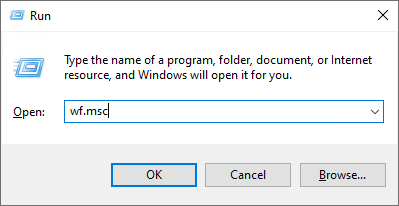
Press Windows+R to open Run box. Copy wf.msc and then press Enter.
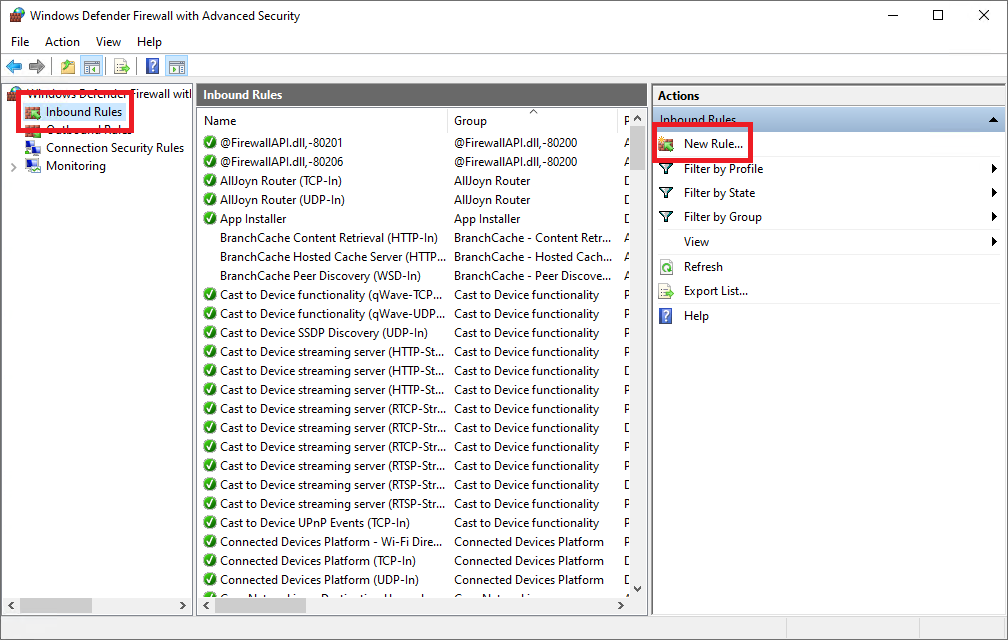
Firewall with Advanced Security window will open. Select Inbound Rules then New Rule item.
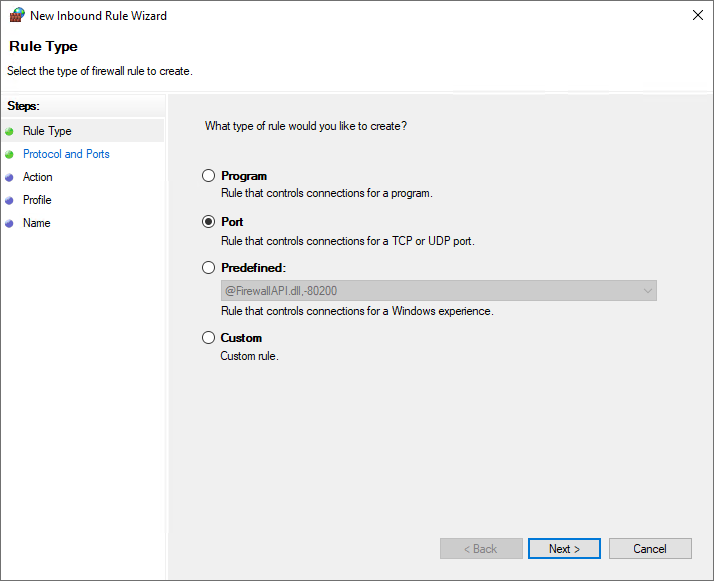
Choose Port rule type. Click Next.
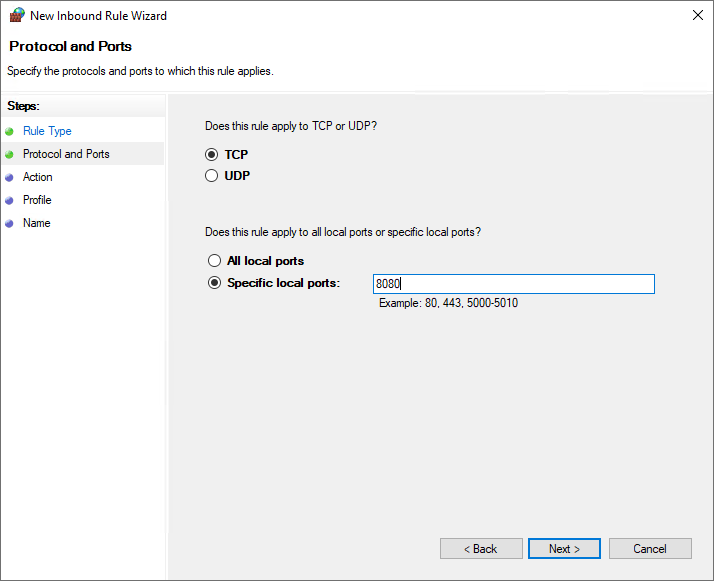
Specify local port 8080. Click Next.
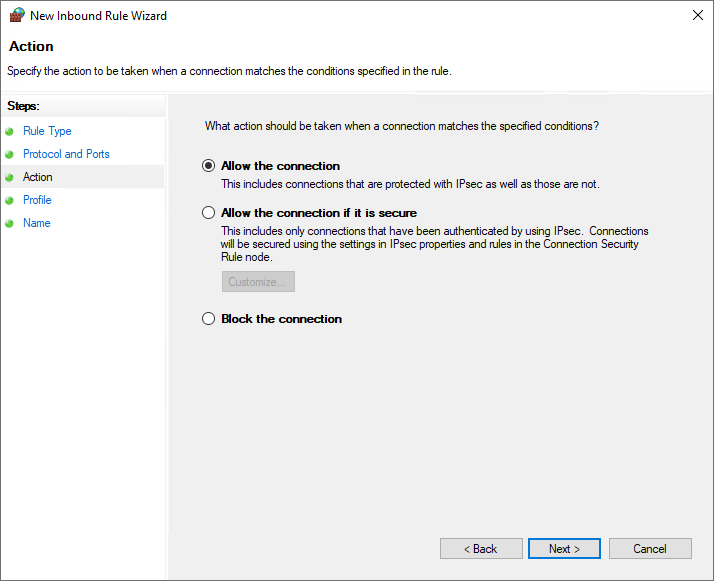
Select Allow the connection. Click Next.
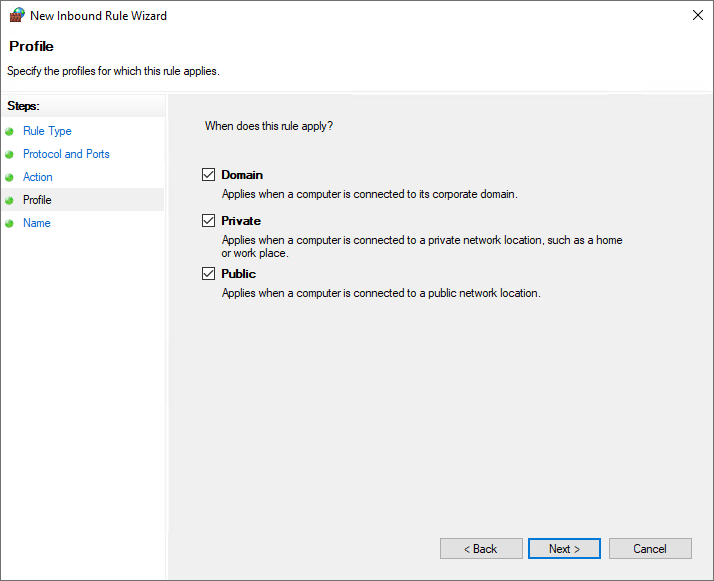
Tune profile. Click Next.
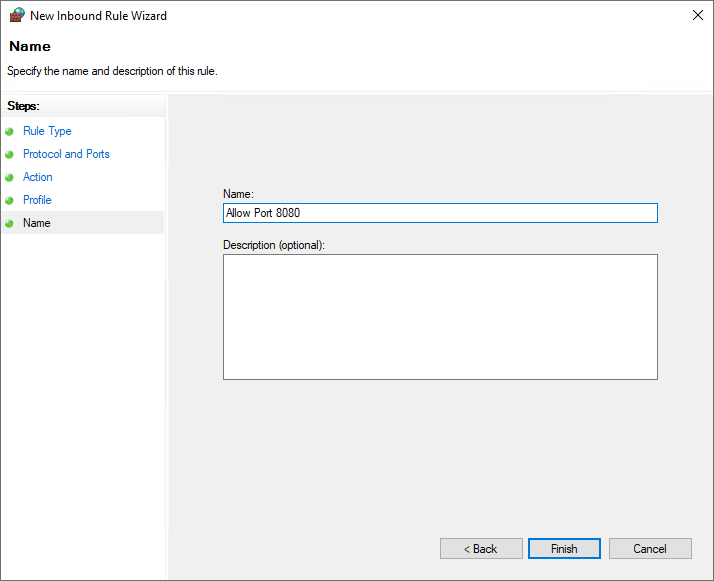
Name your rule and click Finish.